Last verified: October 2026
Galaxsys, the company behind Tower Rush, does not provide an official standalone Tower Rush APK. Since the game is browser-based and operates within a casino's website or app, there is no separate file available for download from the developer. This is important since files that claim to offer a 'Tower Rush APK download' are frequently fake. The following guide outlines how real mobile access functions, how to identify fake APKs and 'earning apps', and how to play comfortably using one hand. The guide is for informational purposes only and is intended for adults 18 and over, as online gambling is either restricted or illegal in a number of countries.
Is there an official Tower Rush app?
Tower Rush is developed by Galaxsys, the company that provides the game to online casinos and betting operators. The game typically gets to your phone via the operator, not through a Galaxsys application. In reality, mobile access can be achieved in three different ways: by using the operator's own app, by means of a web-app shortcut that you add to your home screen, or just by using your phone's mobile browser. Furthermore, Galaxsys provides a mobile demo on its own website, and this demo does not require installation.
When using app stores, be careful since a search for "Tower Rush" on Google Play may display stacking games that have the same name. These are not the Tower Rush game by Galaxsys.
When you come across an application or file which calls itself the 'official Tower Rush game download', you should check the name of the publisher. An app from a publisher whose identity is unknown and which claims to offer the real game should be treated as a warning sign. If you wish to play the game, go to the casino's official game page and make sure to check your local laws first.
Tower Rush on Android: Browser vs Operator APK
On Android there are two practical methods for opening Tower Rush: using your mobile browser or downloading an APK file from the operator. The table provides a comparison of these options.
| Installation | None. Open the casino's website and find the game. | Download a file from the operator's site and install it by hand. |
|---|---|---|
| Storage | Almost none. | Uses space on your phone. |
| Updates | Automatic, because the site updates itself. | You update it yourself, or the app prompts you. |
| Risk | Lower, because nothing is installed on your phone. | Higher, because the source of the file and its permissions matter. |
The Google Play store does not carry an operator APK. In order to install it, Android requires you to permit installations from 'unknown sources', thereby disabling a safety check. That is the compromise involved. Although an APK may provide a better user experience, a fake or altered file could contain malware or request permissions that are unnecessary. So if you do decide to use it, you should download it only from the operator's own official website, not from a link in a message or in a video, and then switch the setting off again afterwards.
As a reference, the Android 5.0 or later version and an APK file of about 85 MB are given by the operator on the 1xBet India game page. It should be noted that these figures are only approximate and you should verify them with your operator since they may change and vary from country to country.
If you want to know more about the operator's own app, see our app guide.
Tower Rush on iPhone
The easiest way to play Tower Rush on an iPhone is through the Safari browser. All you have to do is open the game page on a casino's website, since there is no need to install anything. The game works directly in the browser, and Galaxsys also provides a free mobile demo which you can open in the same way.
There are some websites which say that you should change the country or region associated with your App Store account in order to be able to download the operator's app. This guide doesn't cover that approach since altering your store region may violate the store's terms of service and could breach local law depending on where you live.
If the operator's app isn't available in your store, don't look for alternative solutions—just use the browser version and check your local laws first.
Fake Tower Rush APKs and 'Real Earning Apps' — Red Flags
When you search using terms like "Tower Rush game real earning app", you will find a large number of pages that provide an APK file together with substantial claims. Since Tower Rush is a game of chance and not a means of earning money, any application that presents it in that way merits further consideration. Be on the lookout for these six red flags:
- Promises of a daily income cannot be fulfilled by a game of chance, and no one can guarantee such an income.
- The money you earn comes from referrals; in this case, it is the act of inviting friends that constitutes the product, not the game itself.
- The claim says "Withdraw within hours". Quick and guaranteed payments are a tactic, and screenshots of such payments are easy to forge.
- There is a built-in predictor; no tool can see what the outcome on the floor will be before the game has been played.
- There is no justification for a game file to request information about your SIM card or your ID card number.
- The distribution is done via Telegram or WhatsApp; files shared in chat have no verified publisher and no sense of accountability.
The importance of the SIM and CNIC flags goes beyond financial loss. The list released by Pakistan in August 2025 of apps that were declared illegal also covered apps which deal with SIM data, for example SIM Owner Details, Pak SIM Data, Sky SIM Data and SIM Tracker. As reported by TechJuice, these apps were flagged because they misused confidential user data; since your phone number and ID constitute personal information, do not give them to an app that you can't verify.
If you have already installed a suspicious file, then you should uninstall it, change the passwords that you entered, and check your accounts.
One-Hand Play: Mobile UX Tips
Tower Rush can be played with one hand simply enough, but using a phone involves certain minor risks which a desktop does not. The following five habits will help:
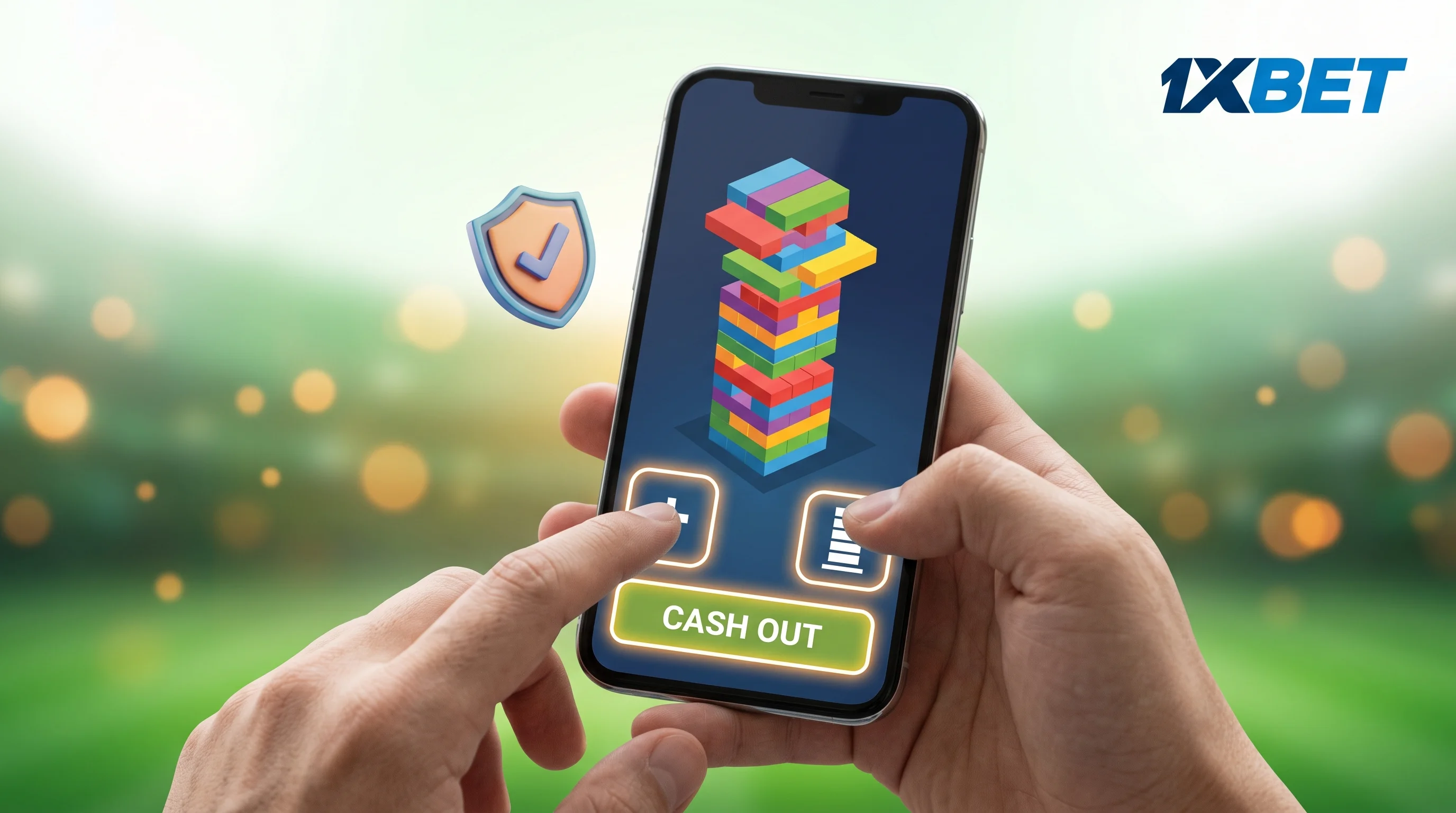
- Use portrait mode since it keeps the tower, the odds counter and the Cash out button within easy reach of your thumb.
- Notifications should be turned off while you are in a session since a message appearing on the screen at an inappropriate time could result in you losing your cash-out.
- Make sure your connection is working properly first, since a weak signal may cause a tap to be delayed and a delayed tap could result in missing the cash-out opportunity. It's better to use a stable Wi-Fi connection or a good mobile signal.
- Put a timer on your phone; a 20 or 30 minute timer will help you to stop when the time is up since a short game makes it easy to lose track of time.
- Make sure that the stake buttons are not accidentally pressed. Before each round you should check your stake and hold the phone in such a way that your thumb doesn't rest on the buttons which raise it.
Galaxsys has not officially included an auto-cashout feature for Tower Rush, so do not depend on it. Before each round decide on your cash-out target and then press Cash out yourself when you have reached it.
Data, Battery and Low-End Phones
Since browser games such as Tower Rush require less from your phone than large applications, they are able to operate on mid-range and older Android phones. Because with browser play there is no need to download and store the game, having low storage capacity is not usually a problem. The amount of data used will vary depending on your service provider, your connection and how long you play, so it is not possible to give a specific figure. In order to conserve both data and battery, you should first close other applications, reduce the screen brightness and use Wi-Fi if you can. If the page loads slowly or jerks around, then you should close any extra browser tabs or attempt using a different browser.