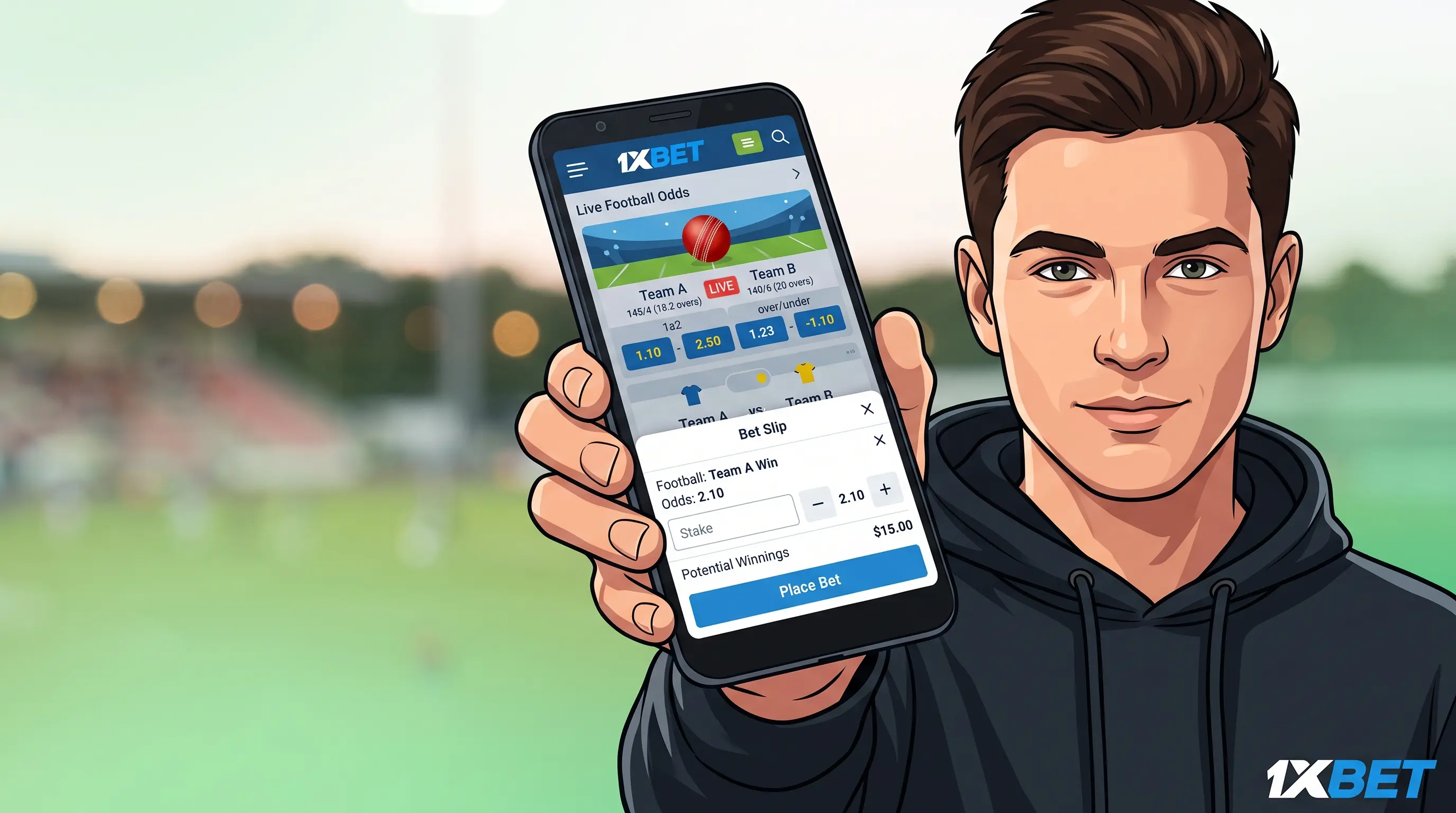
If you're asking where you can download the 1xBet app, the answer is simple: you should download it directly from the official 1xBet website, not from Google Play.
1xBet App Download: Where to Start
It may seem odd if you're used to only downloading apps from an app store, but there's a straightforward explanation for this – Google Play usually doesn't permit real-money betting apps, which is why 1xBet, together with most sportsbooks, provides its app for direct download from its own website. The process isn't at all complicated since the app itself is entirely free and it takes around two minutes to get it onto your phone from beginning to end. You don't need any technical knowledge; all you have to do is make a few taps in the correct order, and we'll go through those steps below.
How to Download the 1xBet App for Android
- Open the browser on your phone and go to the official 1xBet website; that is the only place where you should obtain the app from.
- Find the 'Mobile Applications' section, as it is generally located either towards the top or the bottom of the page, and tap it.
- Press the Download for Android button and the file will be saved to your phone in the same way as with any other download.
- Your phone should display a warning when you attempt to open it regarding the installation of apps from outside the Play Store; this is entirely normal for any application not available on the Google Play Store, such as 1xBet—so go to Settings and turn on 'Install from unknown sources' for your browser.
- Return to the file that you have downloaded and open it once more.
- Tap 'Install' and then wait a few seconds until it has finished.
- Open the 1xBet app from your home screen. You're all set.
How to Download the 1xBet App on iPhone
On the iPhone the App Store only displays the 1xBet app in some areas, which is why a search might come up empty — it's not due to your phone. Those who are new to it have two easy choices here.
- To change the country or region associated with your Apple ID to one in which the app is available, open the App Store and search for 1xBet as you normally would; afterwards you can revert your region if you like.
- Instead of using the App Store, use the web app by opening the official 1xBet site in Safari, tapping the Share icon, and then selecting 'Add to Home Screen'; this will create an app-like icon that opens directly into the site.
The web version of the app includes the same sportsbook and casino features, but it should be noted that it doesn't have push notifications or fingerprint/Face ID login capabilities like a locally installed app would.
What to Do After Installing the 1xBet App
With the app installed, a few quick steps help you get oriented before you place your first bet:
- When you open the app and look at the main screen, sports, live events and the casino are simply a single tap away.
- Make your choice of sport, for example cricket, so that it appears prominently each time you open the app.
- Take a look at the live section to see the matches as they are happening and to observe how the odds update in real time.
- Choose a local payment method, for example JazzCash, EasyPaisa, or a bank transfer, so that it is assigned when you decide to fund your account.
- Make sure that notifications are turned on for your favourite team so that you won't miss any goals, wickets or results.
That's the final point: since betting is only available to adults who are 18 years of age or over, decide in advance on a budget or a time limit, especially before the action gets exciting.