Last verified: August 2026
Is there an APK for Chicken Road?
Many people are looking for a Chicken Road APK assuming that it will be a standalone game file they can install, but that isn't the way the game actually functions. Chicken Road is an HTML5 game developed by InOut Games and is provided via licensed casino platforms, such as 1xBet, where it runs directly in the browser or within the casino operator's own application. InOut Games has not released a separate, official Chicken Road APK for players to download by themselves.
That is important since a search for "chicken road apk" yields a large number of third-party files that claim to be precisely that. You should treat all of them with genuine caution because an APK obtained from outside an official app store cannot be verified as safe and files associated with a well-known casino game are a common method of distributing malware or stealing login information, having nothing to do with the real game.
The way to get to Chicken Road on mobile via a licensed operator is by using the operator's own app; in the case of 1xBet, this involves installing the official 1xBet app and then opening Chicken Road from within the app's casino section, just as you would when using a desktop browser.
How to Play Chicken Road on Android
It makes no difference whether you use the 1xBet app or a mobile browser if you want to play Chicken Road on Android. Here's a quick way to do it:
- Obtain the 1xBet app by installing it from the official 1xBet website (APP page), or else just open 1xBet in the browser on your phone if you don't want to install anything.
- Log in to your account. Use your regular 1xBet login details.
- Open Casino or Slots; it is located in the main menu on mobile just as it is on desktop.
- Look for Chicken Road; enter the name in the search bar if you want to go directly to the game.
- Select either Demo or real money; the Demo option uses virtual credits and is useful for playing the game without any risk.
- Play; tap to move forward and to cash out at any time you wish.
Since Chicken Road is a lightweight HTML5 game and not a heavy 3D one, it operates smoothly on low-end Android phones and remains playable over a 4G connection, a feature that is important for people who are using a budget device or an unreliable network. The methods for making deposits and setting stakes are the same JazzCash and EasyPaisa options that are available elsewhere on 1xBet in Pakistan, so mobile play does not affect the way you fund your account.
With an iPhone there is no specific app step—you should open 1xBet in Safari and then use the ‘Add to Home Screen’ option to create a shortcut which opens like an app.
Mobile Performance on Budget Phones and Slow Connections
Chicken Road is an HTML5 game that has been designed to be lightweight, and this is evident the first time you open it on a phone. On a good fibre or wifi connection the entire game downloads in just a few seconds, and even on a slower 4G connection which is common in parts of Pakistan and in neighbouring countries it still usually loads within a matter of seconds rather than the lengthy delays that you experience with more demanding casino games or 3D slots.
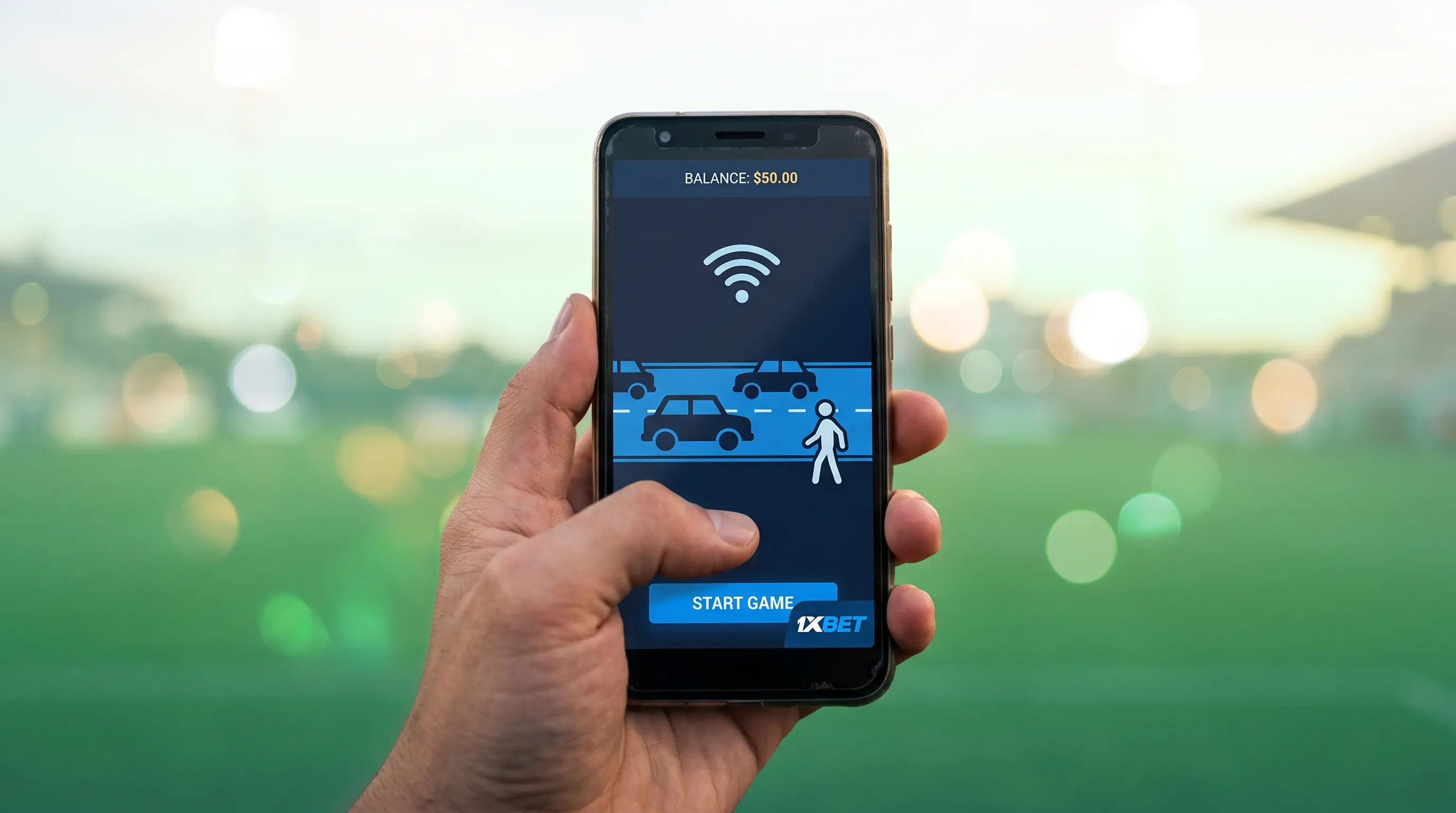
The layout shown on the screen remains easy to read even when viewed on a small, low-cost Android display, since the road and lane markings, the current multiplier, and the cash-out button are all large enough for you to tap them accurately without having to zoom in. The game consists simply of 2D graphics rather than a data-intensive video stream, so it uses a relatively small amount of mobile data during each session, something that is important if you're keeping a close eye on your data plan.
A few practical habits are useful when using cheap phones and with poor connections. Before beginning a session, close any other background applications because low-memory Android devices tend to slow down or stutter when multiple apps are fighting for resources. When your connection is unstable, it's better to use the 1xBet app rather than the mobile browser for playing with real money since an app session generally maintains a steady connection and reconnects properly if the signal drops briefly.
You don't need a high-end phone or a fast connection if you want the experience to be smooth.