How 1xBet Registration by Phone Number Works
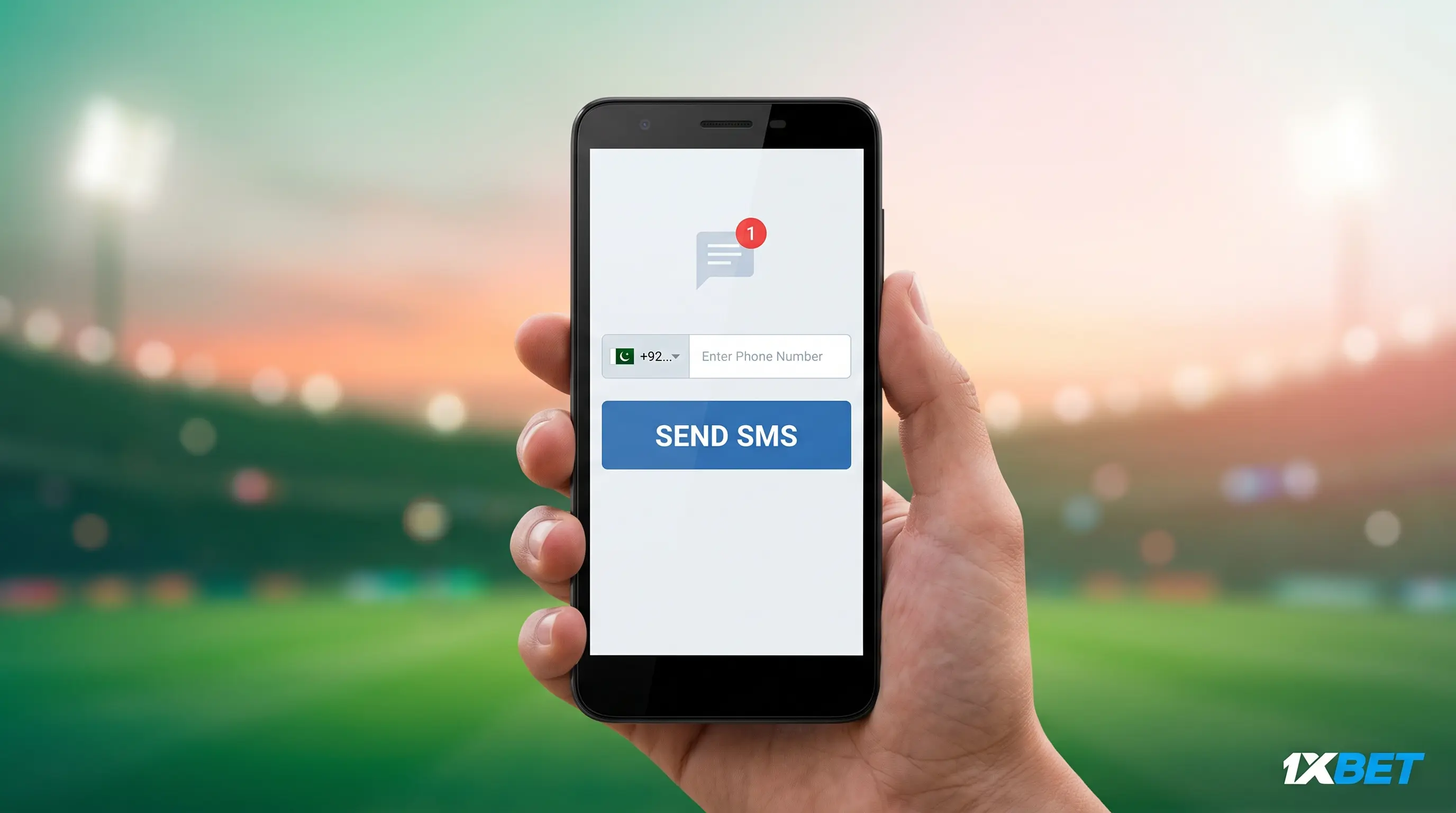
The process of registering with 1xbet using your phone number is based on a simple SMS/OTP procedure which requires very little typing — just what you'd prefer if you're using a cheap Android phone or have a slow and unreliable connection. You provide your mobile number along with your country code and the system then sends you a one-time code by text message. Once you've entered that code, your account is set up immediately, complete with an automatically generated 8-digit ID and an 8-character password that is given to you right there and then. There is no lengthy form to complete, no need to check your email inbox, and no requirement to upload any files at this stage — just the number, the code, and that's it. Since it requires only a small amount of data and functions even when the pages are loading slowly, phone registration is generally the easiest option for people who primarily use mobile devices in markets where the connection isn't always reliable.
Step-by-Step: Register With Your Mobile Number
Set out the steps for creating your account by using only your mobile number.
- Access the registration page: load the 1xBet website into your phone's web browser; the method using the phone is the same whether you're using the mobile web or the app.
- Select 'By Phone' as the method of your registration; this avoids the longer email form and means the entire process takes place on one screen.
- Enter the mobile number including the full country code. This is the step that most people make a mistake at—failing to include the country code (for example, using 0300 1234567 rather than +92 300 1234567) is the most frequent cause of phone registration failing on the first attempt.
- Choose the currency that you want to use and select the one which corresponds with the payment methods available in your area; just remember that your choice will be fixed when your account is set up.
- Optional: enter a promocode. If you have one from our promo page, then you should put it in here—leave it blank if you don't, as it has no impact on the registration itself.
- Wait for the SMS code. On most networks, a one-time code will arrive within a few seconds, though it may take a bit longer on slower connections.
- Input the code that you have received. Enter the digits exactly as they were sent; the field typically permits you to input the code for a limited time before it expires.
- Save the auto-generated ID and password since they appear right after confirmation – make a note of them or enter them into a password manager, as they won't be shown again automatically.
When you have finished step eight, your account will be active and ready for your first deposit.
Phone Registration on Mobile Devices
The process of registering at 1xbet using your phone number is identical whether you use the browser on your phone or the native app—the SMS/OTP procedure doesn't differ depending on which option you choose. The only difference is in the layout: on the mobile website the phone number field and the Send SMS button are placed on a single-column screen with larger areas to tap on, whereas in the app these same fields are enclosed within the app's login screen. In both cases you're still just entering your number, verifying a code and receiving your credentials—there is nothing in the steps for registering by phone that is specific to the app. This page is about how to register with your phone number on a mobile device, not about installing the app; if you haven't downloaded it yet, our app guide covers that separately, including where to obtain the APK and how to install it.
Common Phone Registration Problems and Fixes
The majority of problems encountered when registering a phone can be traced to a few clear reasons—here is how to deal with each of them.
- The SMS code isn't arriving. Before concluding that it has failed, wait a full 60 seconds since delivery can be delayed on slower networks. If no message appears, select the 'Resend' option instead of restarting the entire form and make sure that you have correctly entered your number before asking for a new code.
- The country code is either incorrect or missing. This is the most frequent reason for a phone number registration to fail. It is essential to include both the “+” sign and the full country code (for example, +92 for Pakistan, +234 for Nigeria, and +880 for Bangladesh); a number that is entered without the “+” sign will never receive the code.
- The “Number already registered” message indicates that an account is already associated with that number. As only one account per person can be allowed, you should try logging in or use a different number if you are sure that you have not registered before.
- A network timeout occurs when the data is slow. If the page becomes unresponsive or the SMS request times out, switch to Wi-Fi if it is available, or go to a place with a better signal before trying again—making multiple attempts over a poor connection can cause a temporary delay before you can request another code.
Sorting out the problems with phone sign-ups can be achieved by addressing them in turn.